AutoTrim Exporter
I designed and built this REAPER tool for delivering sound effects. It trims the silence around each sound and checks every render before delivery.
Watch the interface tour Download the current release
2026 · Lua ReaScript and ReaImGui · REAPER 7.37+ on Windows, macOS and Linux. Screens and tour from v3.4.3; the current release is v3.11.0.
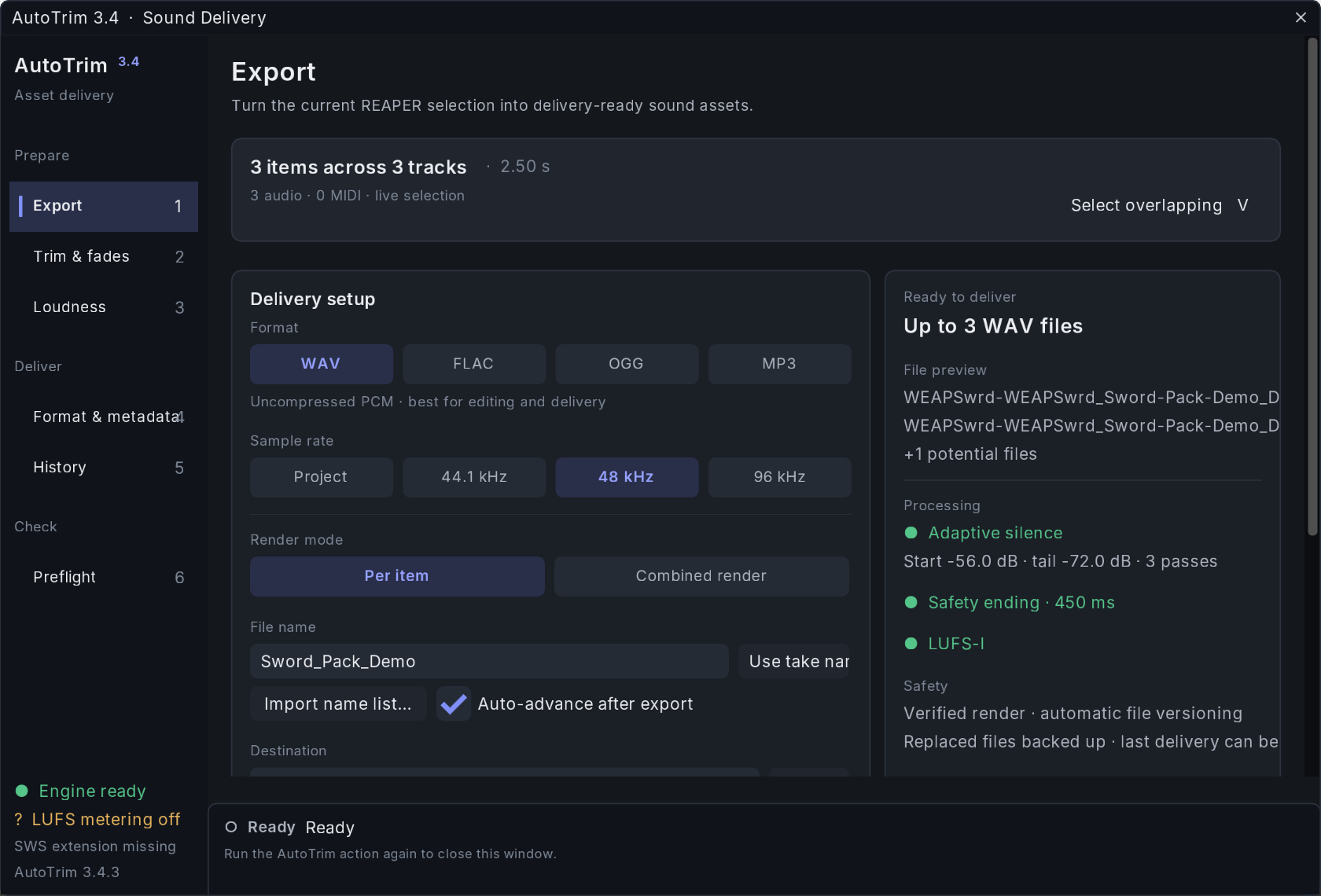
Gathering a sound’s layers from several tracks
Sound effects rarely sit on one track: an impact, its debris and a sub layer can be three items on three tracks, with a long ambience running underneath. I built Export around the item that anchors the sound.
One command, Select overlapping (V), collects the items on other tracks that overlap it, leaves the long ambience out and frames the result in the arrange view without moving anything on the timeline.
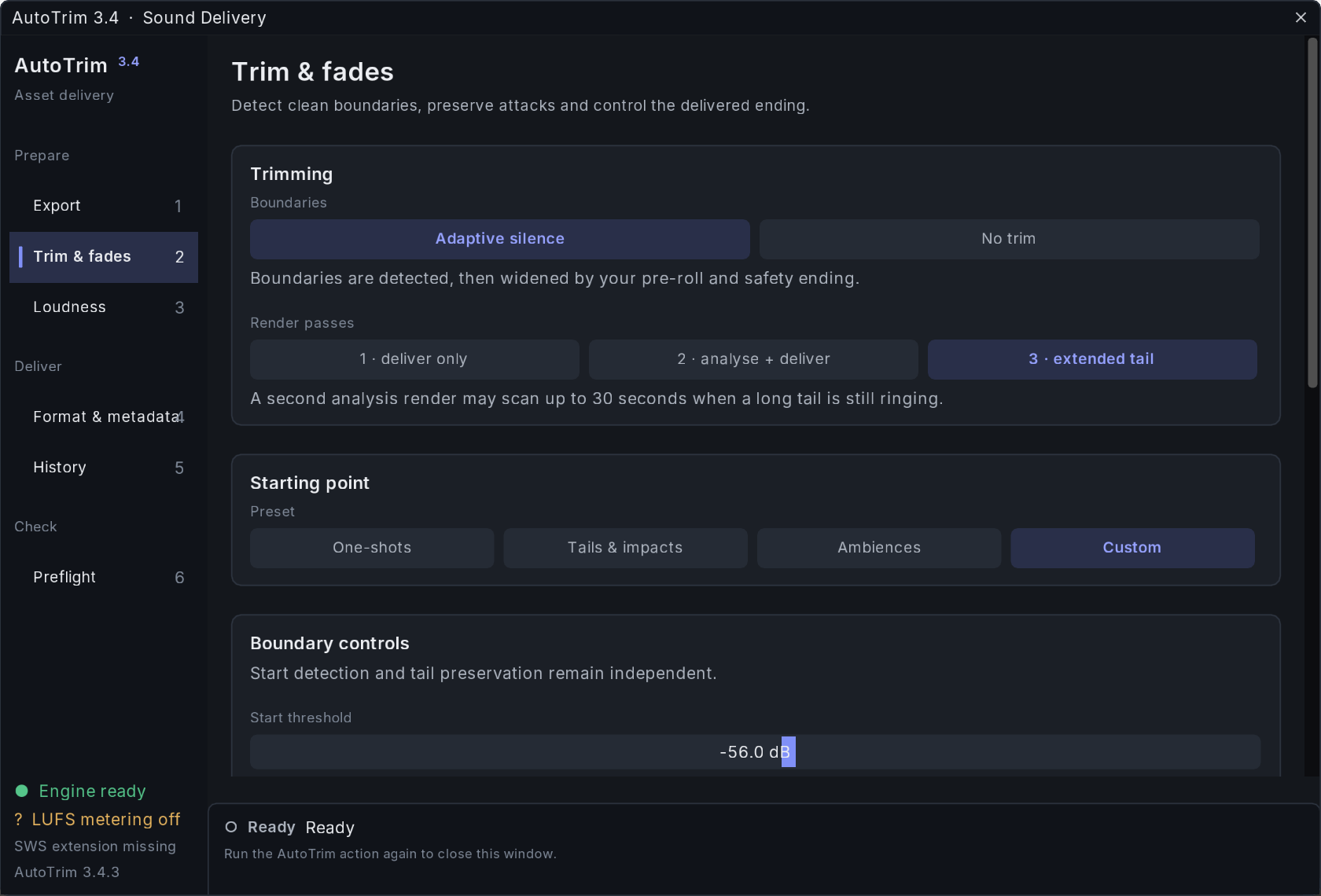
Trims that keep the attack and the tail
Adaptive silence finds where a sound starts and where its tail ends, each against its own threshold (−56 dB for the start and −72 dB for the tail in these screens), and widens both by a pre-roll and a safety ending. For a tail that is still ringing, a third pass may scan up to 30 seconds. Presets start from the kind of sound: one-shots, tails and impacts, or ambiences.
Level and format for a game delivery
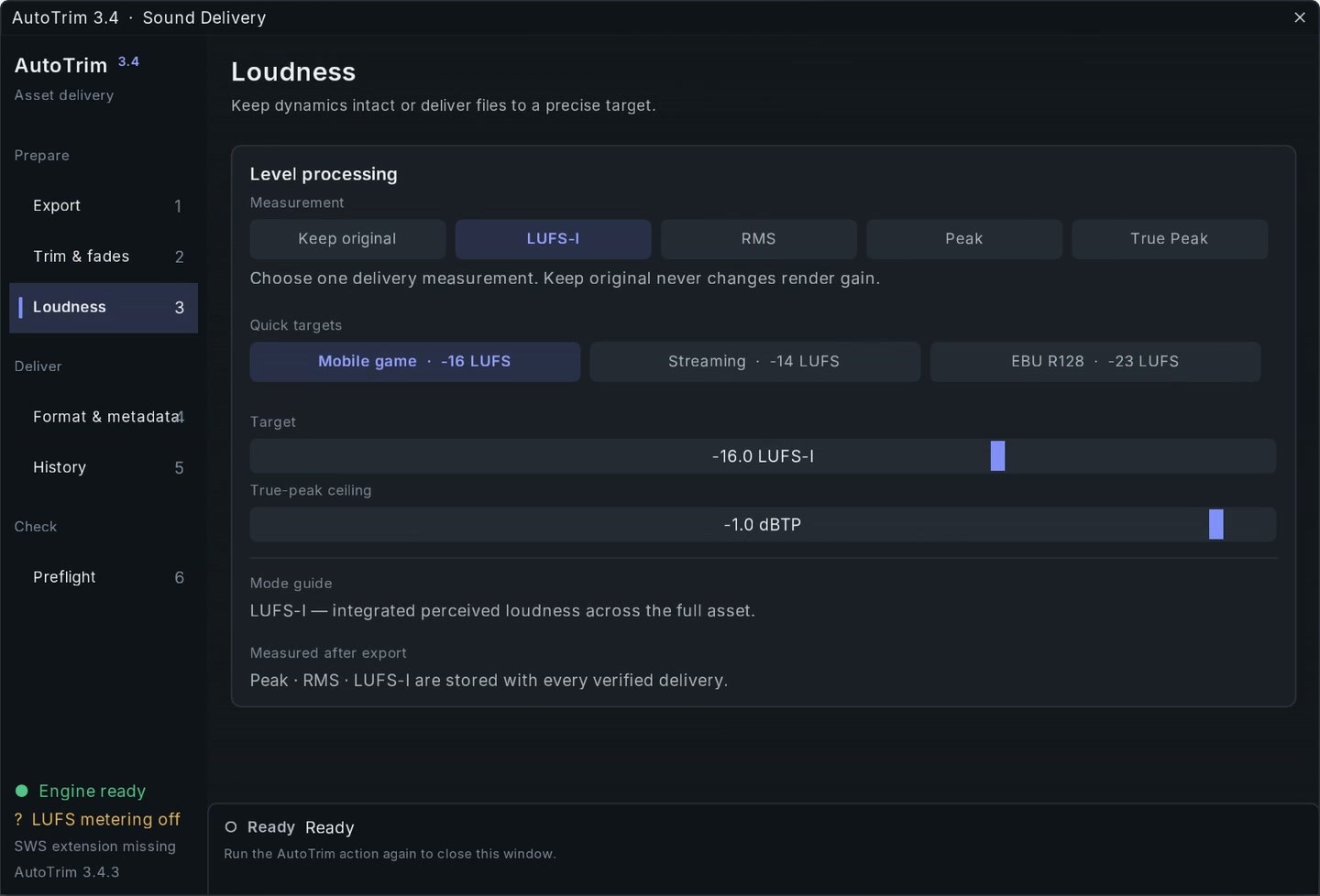
A delivery keeps its original level or is levelled by LUFS‑I, RMS, Peak or True Peak under a true-peak ceiling. Quick targets cover a mobile game at −16 LUFS, streaming at −14 and EBU R128 at −23.
Peak and RMS are measured after export and stored with every verified delivery; LUFS‑I is added when the optional SWS extension is installed.
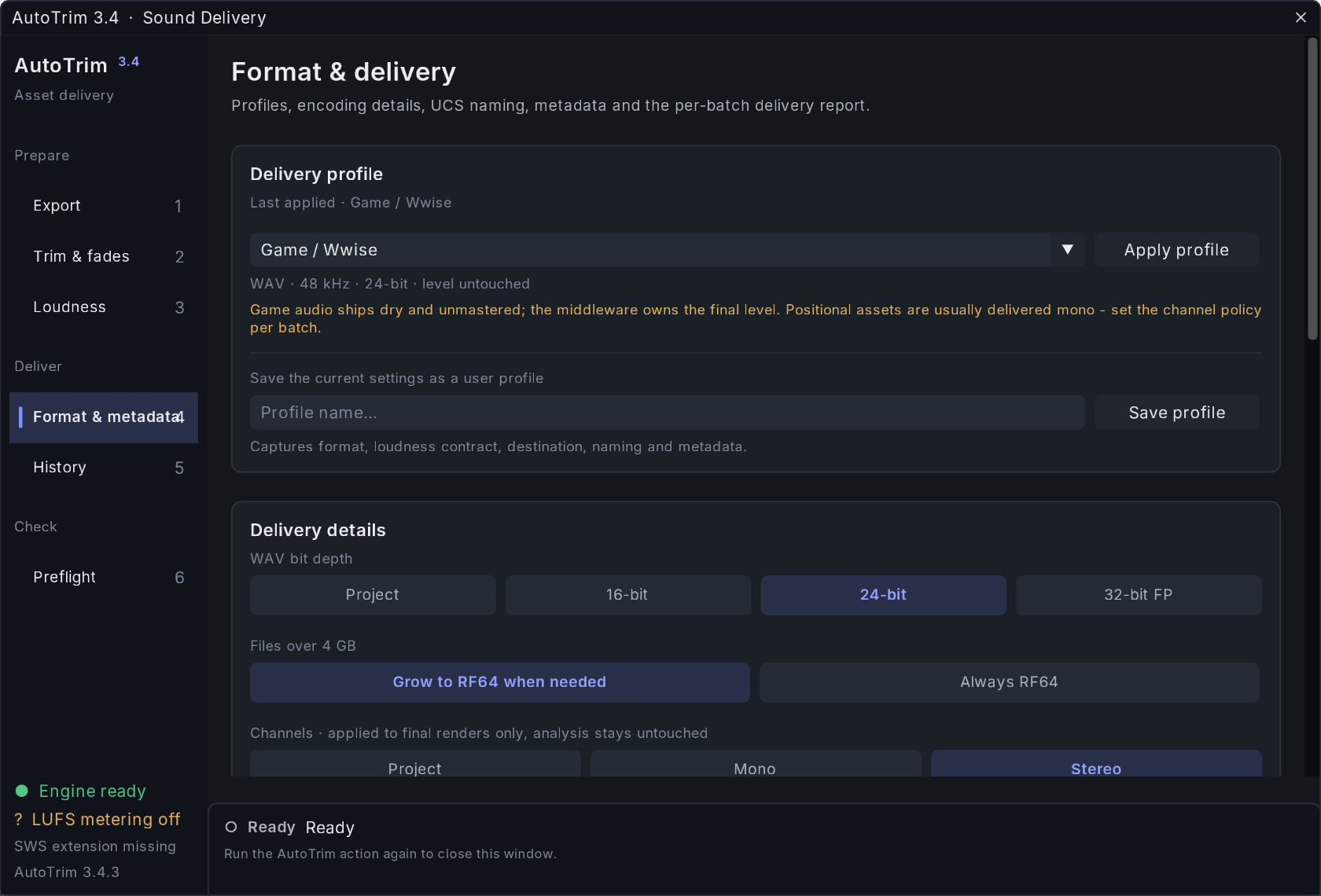
The Game / Wwise profile renders 48 kHz, 24‑bit WAV and leaves the level untouched for the middleware to set. Positional sounds usually go out mono, and the channel policy is set per batch.
A saved profile keeps format, loudness, destination, naming and metadata together.
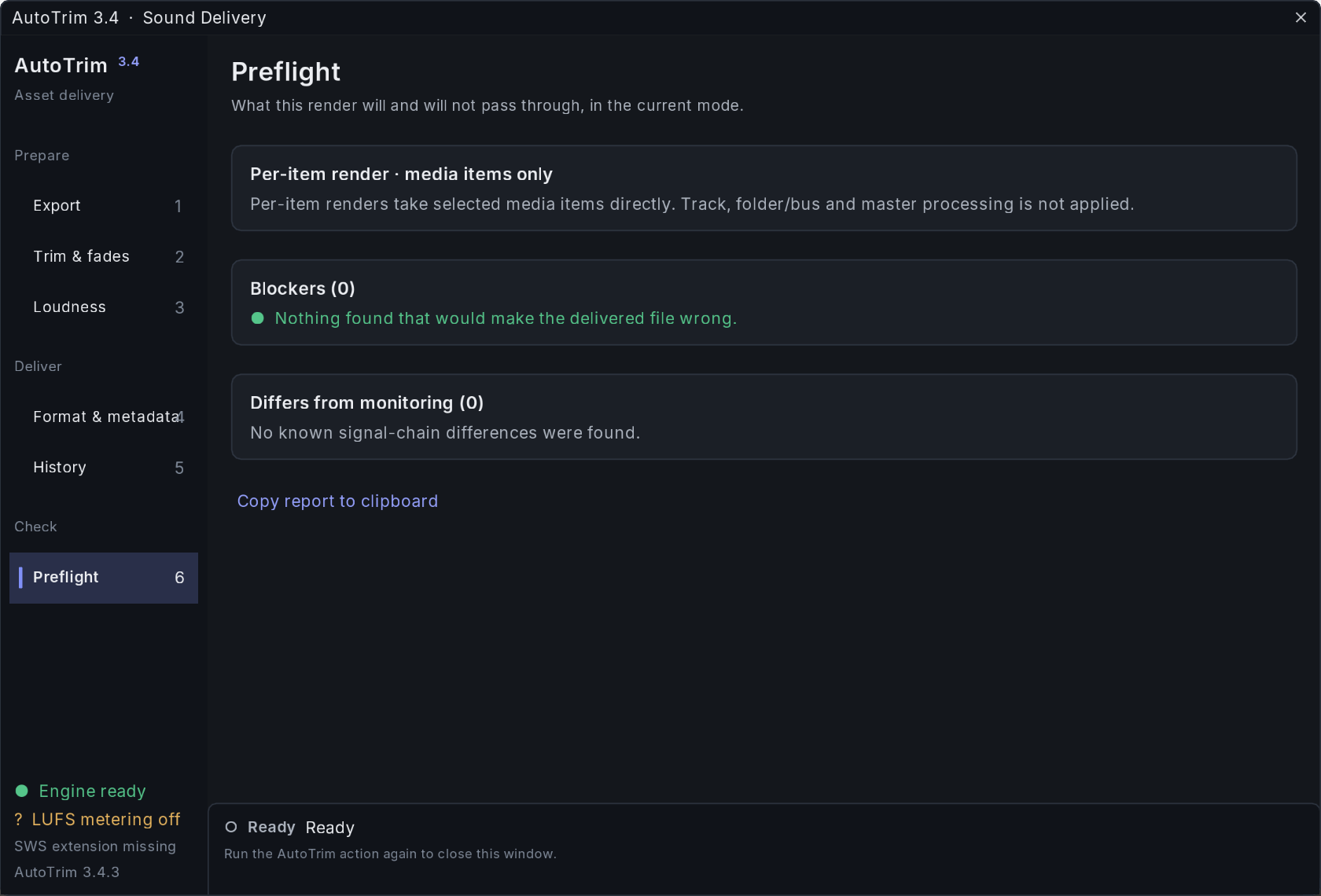
Preflight before every export
Preflight stops the render when a setting would make the delivered file wrong.
Preflight also lists what the render will and will not pass through, and a second list names where the file will differ from what you hear in the session. A per-item render, for example, takes the media items directly and skips track, folder and master processing.
v3.11.0, the current release
Published 23 September 2026, v3.11.0 is the first public release since 3.4.4 and rolls up the unpublished builds 3.4.5 to 3.10.0. An export stays bound to the REAPER project tab it started from, and a failed or interrupted export cannot silently change another project or overwrite source media.
Each batch writes a CSV and HTML delivery report with edge QC, and a manifest that groups the files into asset families for Wwise, FMOD or Unity. Names can follow UCS 8.2.1, and iXML, BWF and ASWG metadata are embedded at render time.
Queue mode for batches
Queue is a third render mode beside Per item and Combined render. I select a sound’s layers, press Q, repeat for the next sound and export once: the groups arrive as Name_01, Name_02, Name_03.
A Groups page shows what each group contains, a group can carry its own file name, and a queue can be saved with the project. A revision then exports only the groups that changed without renumbering the rest.