Mówik
Push-to-talk dictation for Windows that I wrote in Python around faster-whisper.
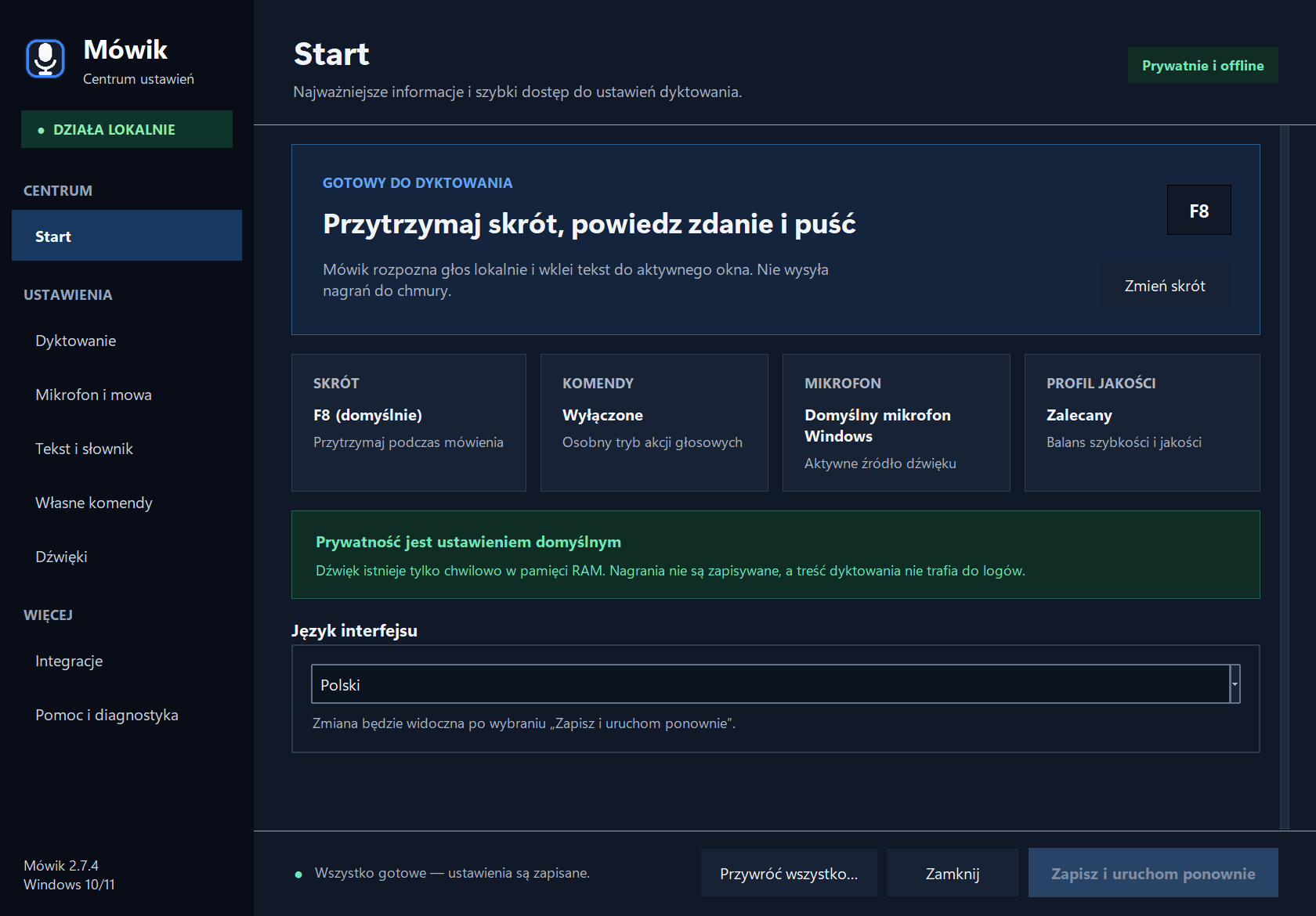
Hold F8, speak, release, and the text appears where you were typing.
2026, Windows 10/11 x64, MIT licence. I wrote everything around the speech model: the microphone buffer, the sound cues, voice commands on F7 and a settings app in Polish and English. The name comes from mówić, Polish for “to speak”.
From key press to pasted text
Mówik keeps the microphone open and holds the last 300 ms of audio in RAM. Every recording starts with that buffer and runs 120 ms past release, so the first and last syllables survive a key pressed late or let go early.
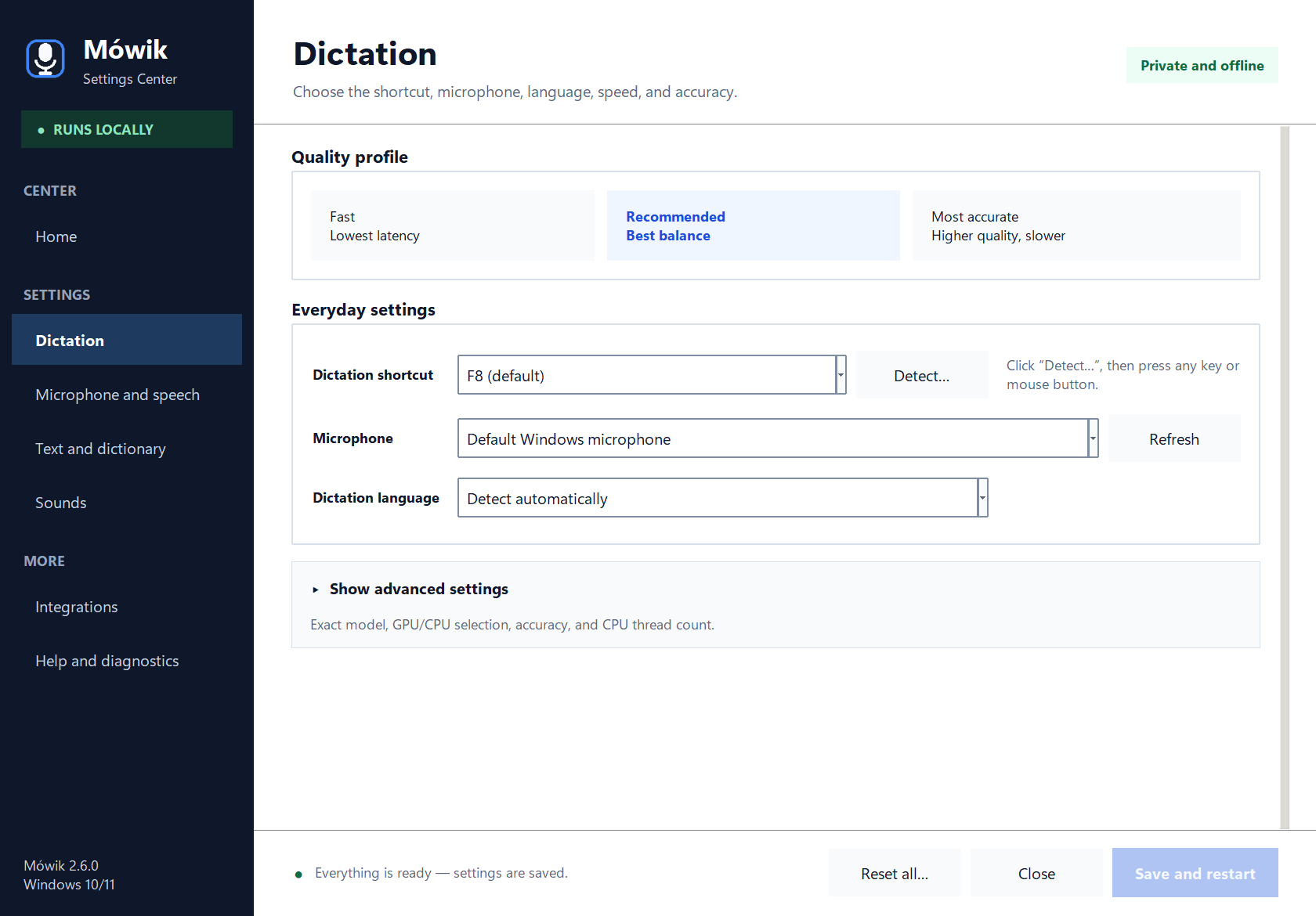
faster-whisper transcribes on the same computer, in float16 on an NVIDIA GPU or in int8 on the processor when CUDA cannot start. Three quality profiles run from small to large-v3; the default, Recommended, uses large-v3-turbo.
The text is pasted into the active window, copied to the clipboard, or both. The audio is dropped after transcription and the log never records what was said. A private vocabulary covers names and specialist terms. An optional local Ollama model can tidy the punctuation, and if it changes a number or a negation, or rewrites too much, Mówik keeps the original.
Four sound cues, synthesised in Python
Every note is a sine wave with a quiet second harmonic, an 8 ms fade-in and a 32 ms fade-out, so none of them clicks. The key press plays C5 and the release G4, a fourth lower. Delivered text answers with a rising major third, C5 to E5, and an error with a falling minor third, E4 to C♯4. Any cue can be replaced with a WAV file.
The Polish comment reads: frequency in Hz, tone length in ms, silence after the tone in ms. The cues on this page are rendered in your browser from these numbers with the same envelope as in mowik.py.
Commands on F7
F7 is a second push-to-talk key that reacts only to phrases saved in Mówik Center, matched word for word, and each phrase runs one of three actions. Anything else does nothing and is never typed out as dictation.
- Insert text
- Pastes a saved block exactly as written. A block of several lines asks first, because pasted into a terminal it could run.
- Open an app, file or website
- Existing local paths and HTTPS addresses only, always after a confirmation. Scripts, shortcuts and network paths are blocked.
- Open a terminal
- Opens in the folder of the active File Explorer window. Words spoken after the phrase can become a one-line draft that Mówik checks and copies to the clipboard. It never types into the terminal or presses Enter.
Installer and releases
The installer needs no administrator rights. The speech model downloads on first launch, then transcription works offline. The CUDA libraries weigh close to a gigabyte and only help on NVIDIA cards, so I left them out of the installer: Mówik downloads them the first time a model starts on the GPU and checks them against checksums pinned in the release.
GitHub Actions builds every release from pinned, hash-checked dependencies, then installs, repairs, launches and uninstalls it in English and Polish on a fresh Windows image. Upgrades and the Windows 10 1809 minimum still need a manual run in a virtual machine, and hosted CI has no microphone.
The installer is not code-signed, so Windows may show Unknown publisher or a SmartScreen warning. Each release carries SHA-256 checksums and a provenance attestation, which these two commands check before the file runs.
# compare the hash with SHA256SUMS.txt from the same release
Get-FileHash .\Mowik-x.y.z-Setup-UNSIGNED.exe -Algorithm SHA256

gh attestation verify .\Mowik-x.y.z-Setup-UNSIGNED.exe --repo Szunias/Mowik